
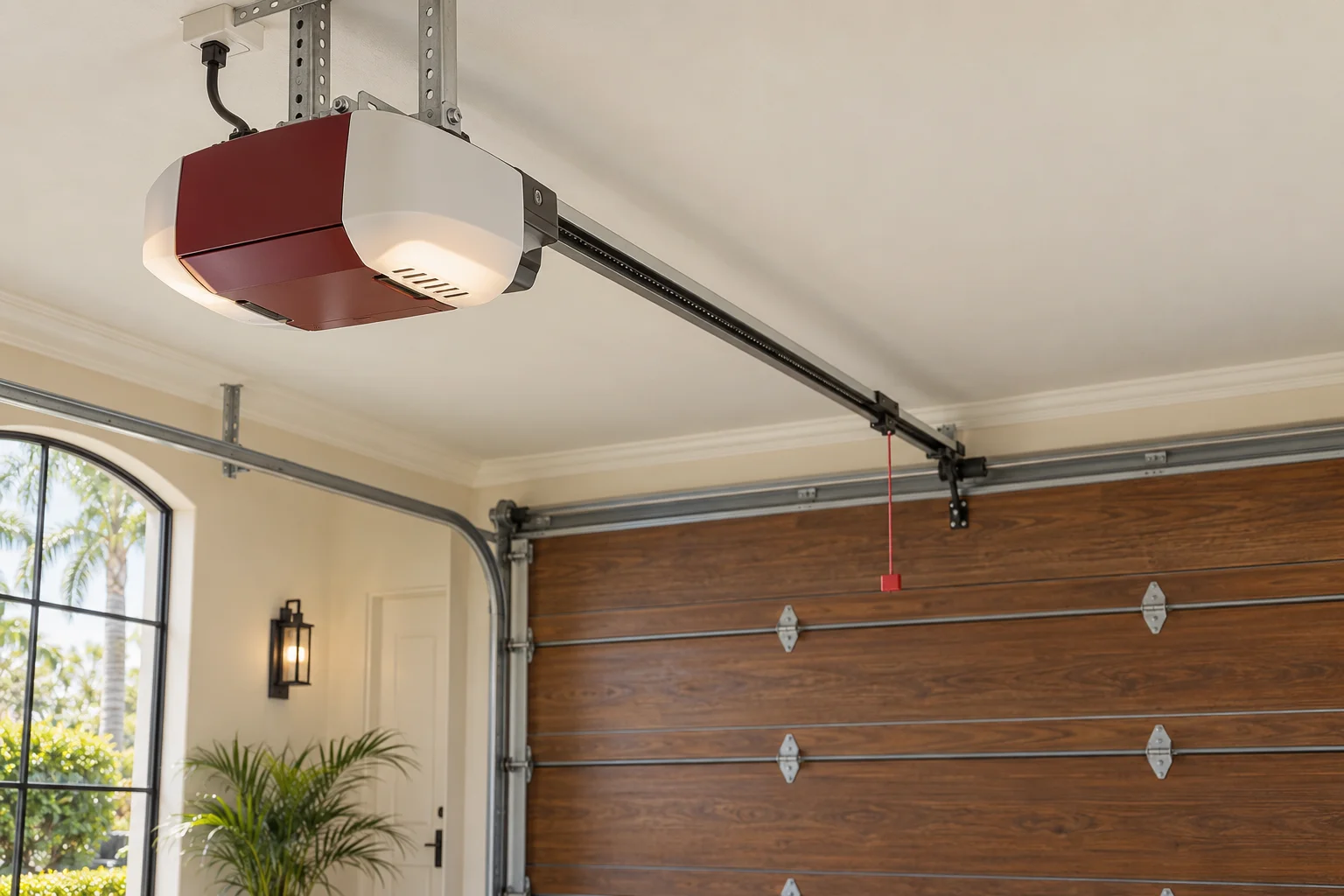
Inventory access before changing settings
Ask which controls operate each door and collect the model information, manuals and any service records. Keep keypad codes and account credentials private. A control handed over with a new battery may still be programmed alongside devices you have not received. The first task is to understand the installed system, not assume all previous access has disappeared.
Plan the manufacturer’s access reset
Remote-memory clearing and connected-account transfer are related but distinct tasks. Follow the product’s current guidance or arrange help to remove prior access and program the intended devices. Chamberlain Group warns that a factory reset can erase multiple control types; do not perform one casually when a household depends on the garage as an entrance. Retain another safe way into the home.
Document the completed handover
Once the authorized changes are finished, identify which remote button serves which bay and confirm that the intended users have suitable access. Keep the instructions somewhere available to the household, without putting access codes on a public service request. Mechanical condition is a separate issue: a working remote does not establish the door’s balance or safety condition.
Your questions
Does changing only the keypad PIN remove every old remote?
Do not assume so. Keypad credentials, radio devices and app users can be managed separately depending on the system.
Should I share the previous owner’s app password?
Use the manufacturer’s ownership or account-transfer process. Avoid relying on shared credentials that preserve unwanted access.